Feed readers are awesome!
2026-03-22
RSS/Atom* feeds may seem like a relic of the past, but they're still relevant as a way to glean useful and enjoyable content from an increasingly insincere Internet. I have a feed that I recommend using if you want to see my blog posts.
Plenty of people have written about feeds, but I wanted to put down my personal reasons on why I like them.
(*sidenote: RSS and Atom are news feed formats. Most feed readers will support both.)
Customizable
You choose your sources. Only your favorite news outlets with high quality reporting, not the slop that goes viral on social media. Your favorite blogs that no longer get drowned out by the louder parts of the internet. Even your favorite social media creators, divorced from the forces of that social media's algorithms, can be found (Not all social media websites have feeds, but some do).
Crafting your feed list is very intentional. What do you enjoy seeing?
Sidenote: Learning intentional browsing
My generation grew up with algorithmic social media. The algorithms of most popular services push the most "engaging" content to the top regardless of whether you follow them, unlike chronological timelines of the past that were typically limited to who you followed, or the even older Internet where you actively had to seek out websites and blogs.
One day, you decide to leave these services (or significantly decrease their use) and go for an alternative. But you're stuck: unlike the past services you used that pushed the most engaging content to you automatically, this new service asks you who you want to follow, and only shows you that content. But what if you don't know who to follow, or what you want, because you've never had to think about it? How can you find people to follow without the algorithm telling you who to follow? The content in your new "feed" is so boring!
Switching to a feed reader instead of reading news updates on social media is similar. How can you find new content that gives you the same high as scrolling your personalized recommendations?
I have two pieces of advice. First of all, most of that "high" comes from seeing engagement from other people (real or fake). I needed to taper it down, learn to just enjoy the content itself instead of the engagement and hype around it. Stop reading comments sections! Block them with a web extension if you have to.
Secondly, find out if your favorite news outlets have RSS/Atom feeds, and look at blog aggregators to find new blogs you're interested in.
List of blog aggregators that might be useful
Can be local
You can subscribe to feeds locally, on your computer (with some of the clients I listed below.) Of course, this means that if your computer is destroyed or lost, you lose access to your feeds, their read status, articles you marked as "saved" in your feed reader, etc. But it also means you don't need to rely on having access to the feed reader service's servers, which also means you won't be paying a subscription fee to save your feed information to said servers (or relying on the goodness of their hearts to keep providing the service for free.)
If you choose this path, make sure to save your feed list somewhere safe!
Everything you want to see
A RSS/Atom feed for a source shows you their posts, in chronological order. Depending on the website, they may have a feed for all content, or separate feeds for different subjects, or both, so you can pick and choose what you're interested in.
If you're a publisher with an RSS feed, you don't need to worry about your fans missing out on your content because it didn't go viral and reach the top of their social media feed. If you're a fan of a blog or news outlet that uses their RSS Feed, you don't have to worry about missing out on new content because it didn't go viral, the newsletter got buried in your email, etc. You see it in your feed reader.
If you want, you can see updates from your favorite news sources, blogs, and even some social media in one place.
Many options
Want to read your feeds on an online service you log in to? There are options for you!
Want to read your feeds locally with a GUI? There are options for you!
Want to read your feeds locally in the terminal? There are options for you!
Want to read your feeds on your e-reader? In fact, there are options for you!
Want to fetch feed updates and store them on your server, then read them in a local terminal client, with two-way sync? Believe it or not, you have options! (This is what I do)
Having so many options can be somewhat overwhelming when you're used to only having whatever your proprietary social media feed supported, but it just means you have plenty of feature choice.
No more infinite scroll
The infinite scroll really gets me sometimes. I have to abstain entirely from browsing certain websites for fun, because I know I won't be able to stop.
But sometimes, I still want updates from my favorite creators who are on these websites. In some cases, these websites have RSS/Atom feeds for specific accounts that I can use to only see new content from those people. These feeds can be somewhat hidden; RSS Lookup can help.
For example, I use the hidden YouTube channel feeds (found with RSS Lookup) to follow my favorite YouTube channels. I get an update in my feed reader when they post a new video, and I use Unhook to hide literally every other UI element so I can't click onto another video and keep watching endlessly. I even hide the video information so I'm not tempted to click on the channel and watch old videos. I still get to enjoy my favorite content, but on my terms.
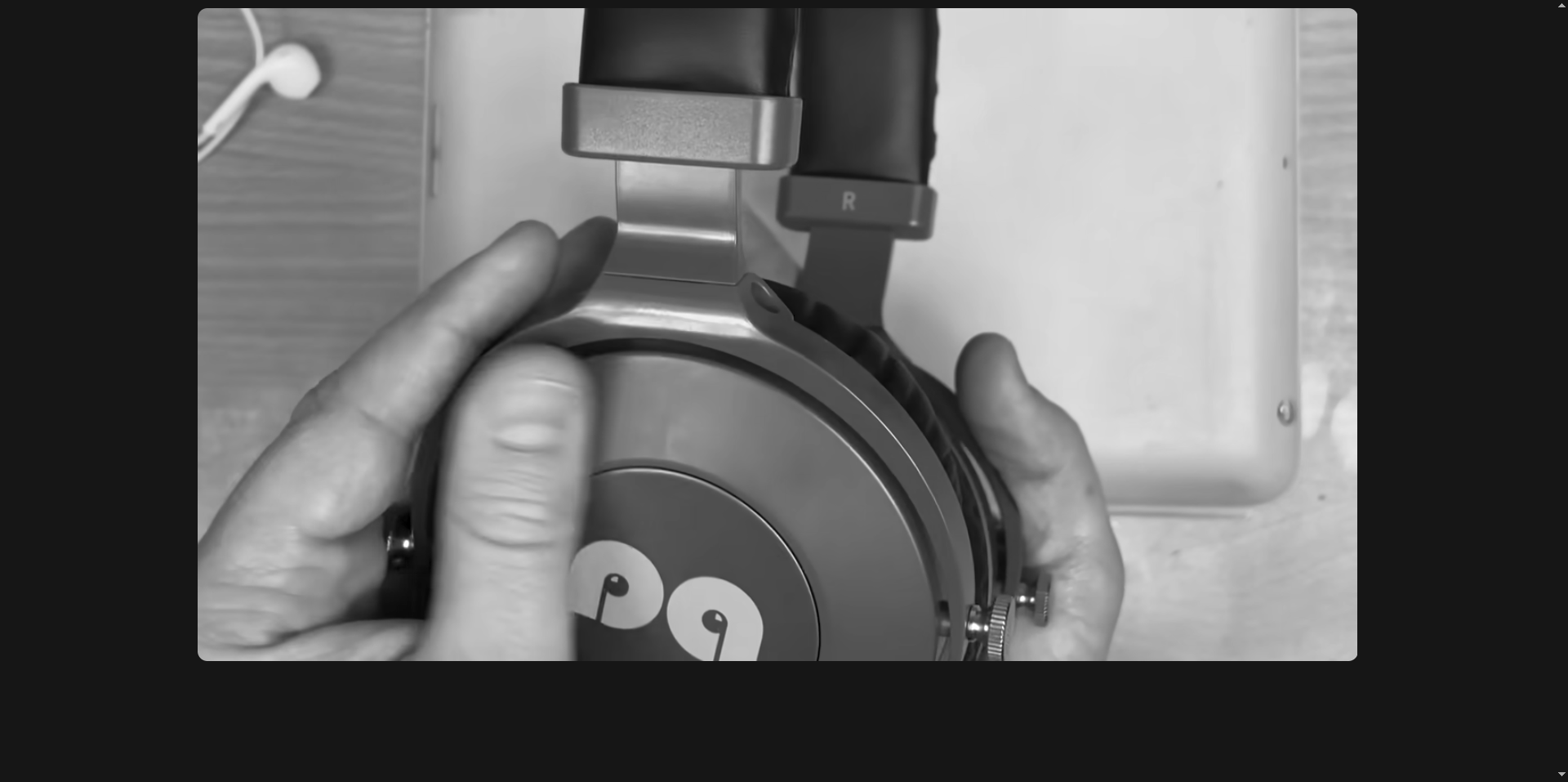 What my YouTube UI looks like now. Notice how there is nothing to look at or click on except the video I'm watching (Dankpods). Once the video I intended on watching is done, I just leave.
With newsfeeds and a feed reader, this principle can apply to the entire Internet. Check your reader, read what's new, then move on.